
XR Demystified
VR, AR or MR: which headset fits which surgical job?
Device details as of October 2026
The short version: “VR”, “AR” and “MR” get used for almost anything, so the label won’t tell you much. Start from the job. Three questions sort out most of it:
- Do you need to see the room, the patient or your team while you look at the model?
- Do you need to walk around the model and see real depth?
- Does the model need to stay in place on something real, like the patient?

What you actually see
Most of the confusion goes away once you see what each device puts in front of your eyes. Here is the same 3D model, five ways: four kinds of XR device, and one screen that needs no headset at all.
MR (mixed reality) is what the industry calls passthrough headsets that do both VR and AR. Apple calls it “spatial computing”. Formally, mixed reality covers everything between the real world and a fully virtual one.2 See-through and passthrough are the two ways a headset can show you the real room.3

VR
A closed headset shows you a virtual room
The real room is blocked out. Everything you see is on the headset’s screens.

AR, passthrough
A closed headset shows you the room through cameras
Cameras on the front film the room and the headset mixes the model in. Sharp enough to work in, a little softer than your own eyes.

AR, see-through
Clear lenses, with the model added on top
You see the real room with your own eyes. The display can only add light, so the model looks a little ghostly, and only in part of your view. Most see-through devices have been headsets; lighter glasses with a wider view are now arriving.

AR, phone or tablet
The model on a flat screen you hold up
The tablet’s camera shows the room with the model in it. No headset, no stereo depth.

No headset: glasses-free 3D display
Real depth on a screen
The display sends each eye a slightly different image, so the model has depth with nothing to wear. Some track your eyes and suit one viewer; others show depth to a few people at once. You can’t walk around the model, and the effect only works from in front of the screen.
Pick the device for the job
Start from what you are trying to do, not what the device is called. Here are five common jobs, and what tends to fit each one.
1
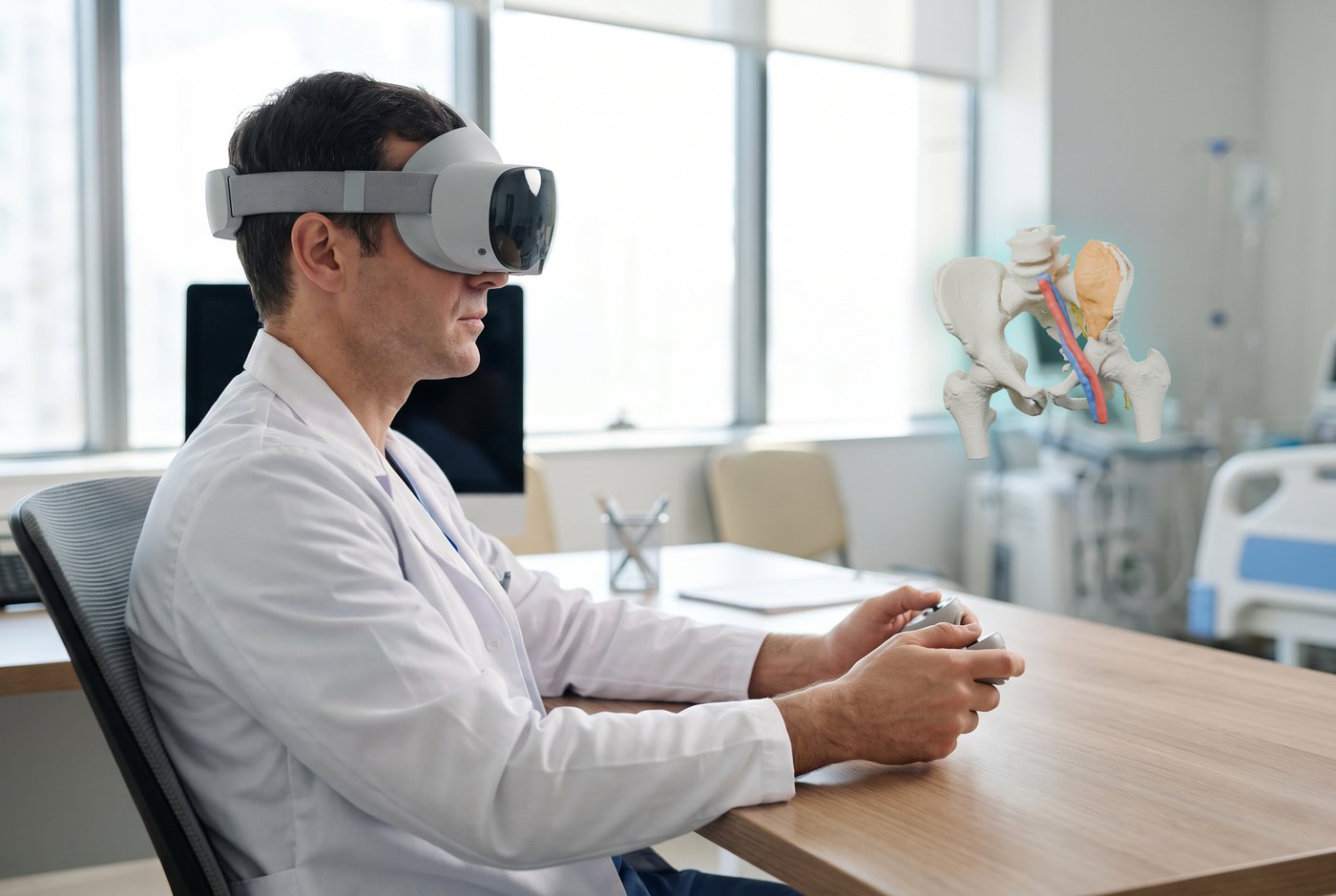
Planning a case at your desk
- What matters
- Depth, detail, and nothing else competing for your attention.
- What fits
- VR. Shutting the room out is a feature here.
- Watch out for
- Start with short sessions. Some people get a bit motion-sick at first, and it usually fades with use.
2
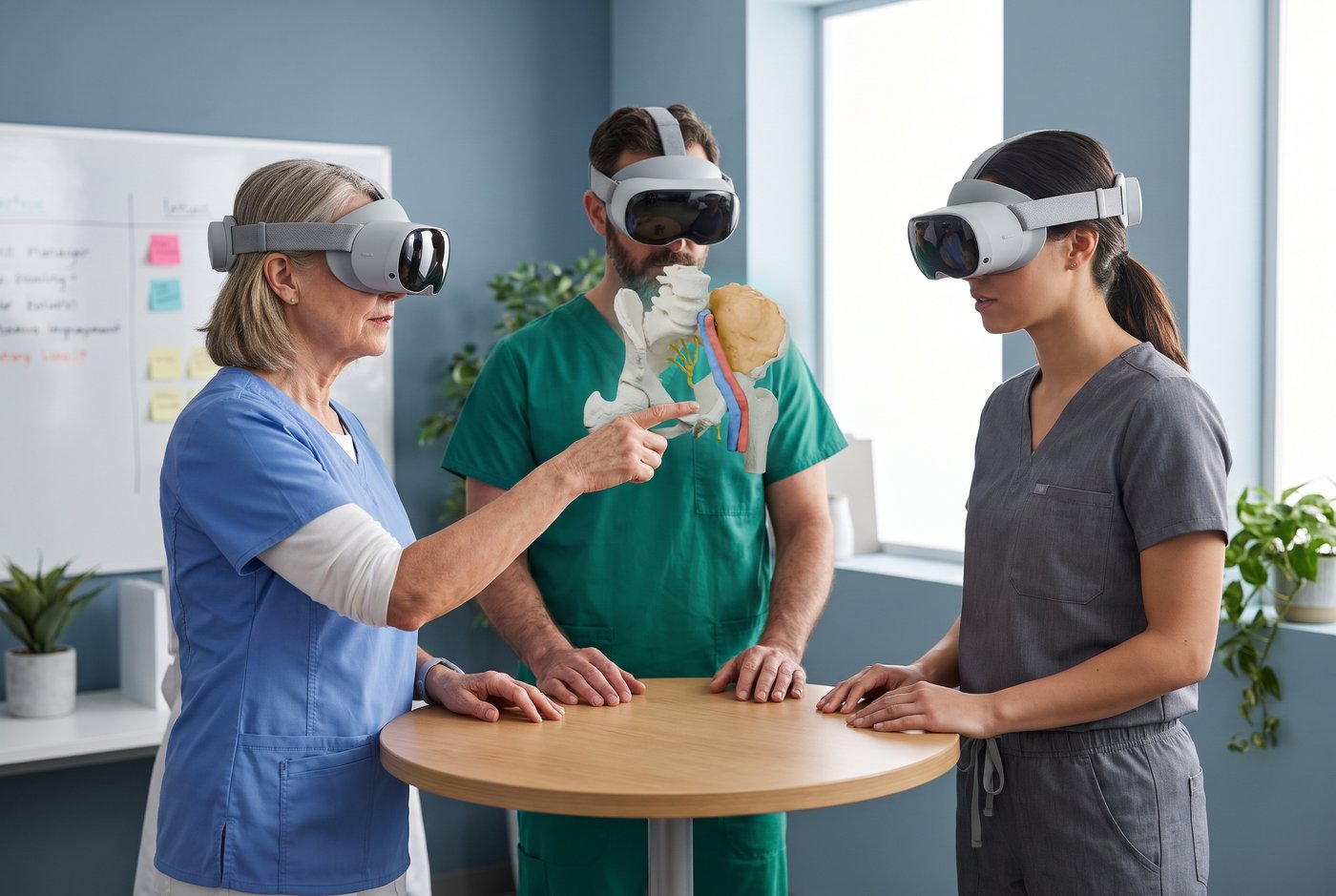
Reviewing the case with your team
- What matters
- Everyone looking at the same model at the same time, and pointing at the same thing.
- What fits
- Shared VR, or passthrough headsets if people want to see each other in the room. For a small group, a glasses-free 3D display works without any headsets.
- Watch out for
- You need a headset per person, and someone has to run the session. Budget extra setup time the first few times.

3
Explaining the plan to a patient
- What matters
- A low barrier and eye contact. The patient should be looking at the model, not wrestling a headset.
- What fits
- A tablet or a glasses-free 3D display, or a passthrough headset if they want the full view.
- Watch out for
- Keep it simple. A headset on a nervous patient is not always the win you hoped for.
4
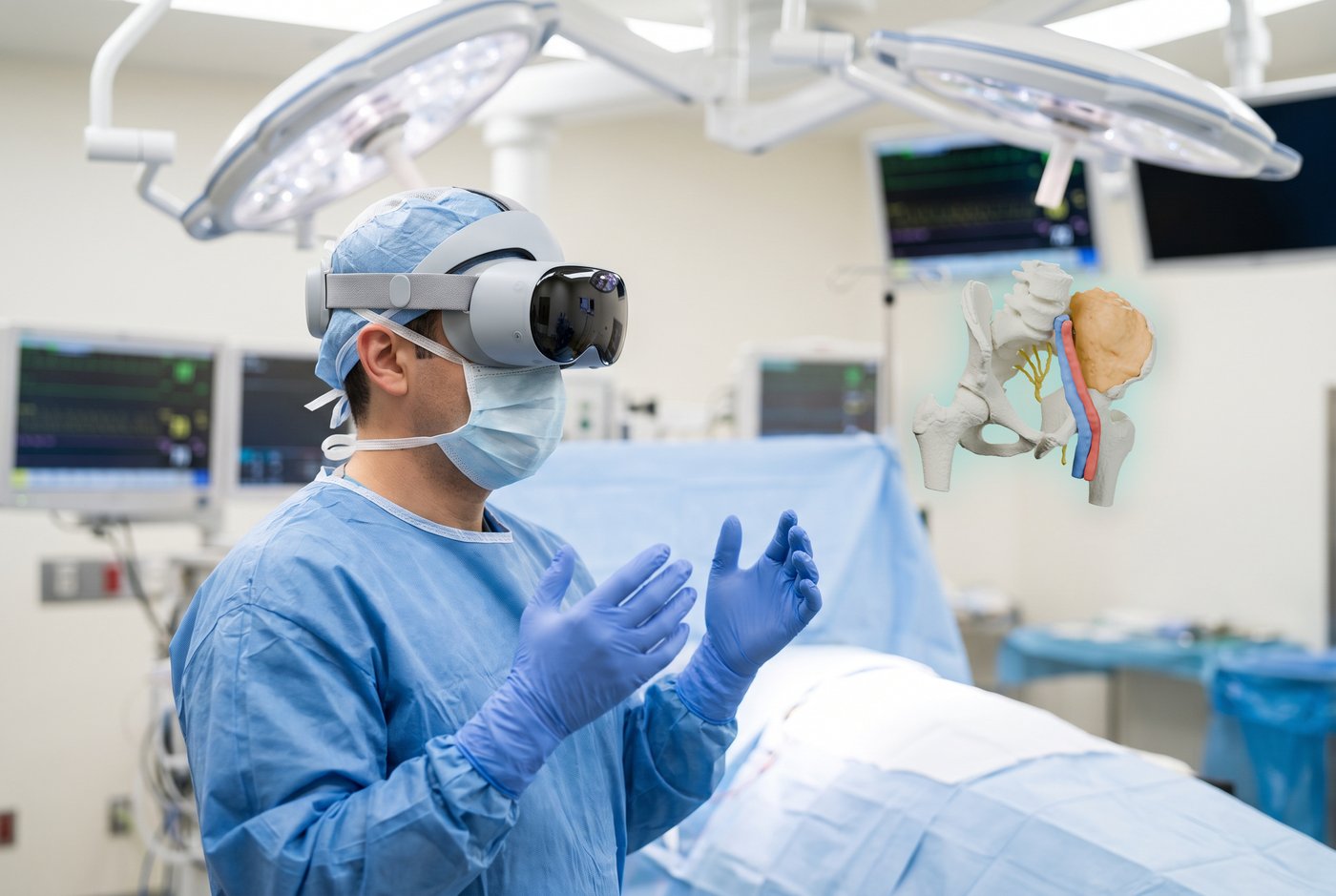
A reference in the OR
- What matters
- Hands-free, and you can still see the room and the field.
- What fits
- Passthrough or see-through headsets, or a glasses-free 3D display on a boom: nothing to wear.
- Watch out for
- The headset is not sterile, so decide who touches it. Plan for cleaning between cases and for battery life. Weight matters on long cases, and see-through glasses are lighter than headsets.
5
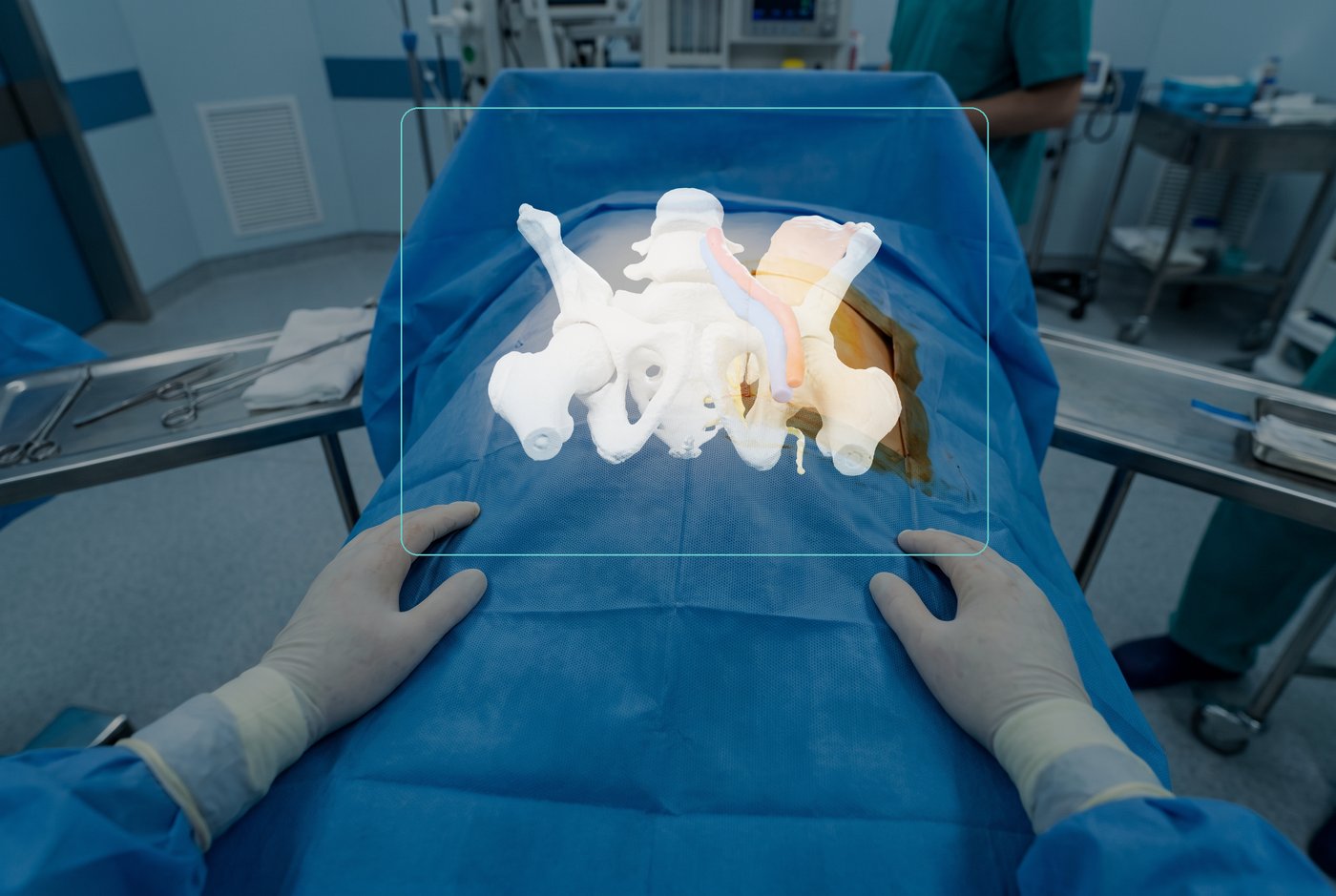
An overlay on the patient
- What matters
- The model locked to the patient’s anatomy, in the right place.
- What fits
- See-through headsets built for surgical navigation.
- Watch out for
- Accuracy depends on registration: how well the model is matched to the patient on the table. Tools that guide surgery are regulated medical devices, so check what a product is cleared to do.


A 3D model on a monitor is not VR

“VR” in one paper
A head-mounted display

“VR” in another
A 3D rendering on an ordinary monitor
In 2020 I was asked to write the VR/AR section of a review paper on 3D printing in medicine. Reading the literature, I kept finding “VR” and “AR” used as catch-alls. One paper’s “VR” was a head-mounted display; another’s was a 3D rendering on an ordinary monitor.1
Rotating a 3D model on a laptop is useful, but it isn’t immersive, and it has different costs and space needs. Studies that call it “VR” make the evidence harder to read. When a paper says VR, check the methods for the device actually used.
Glasses-free 3D displays sit in between. They give real depth on a screen with no headset, but you can’t walk around the model. They aren’t VR either, and they deserve their own label too.
Before you buy
- Standalone or PC-tethered. A standalone headset needs Wi-Fi and a charger. A tethered one needs a PC with a good graphics card, and a cable on the floor.
- Cleaning. Decide how face pads and lenses get cleaned between users before the first case, not after.
- Sharing. One headset per surgeon, or a shared pool? Shared headsets need a cleaning and sign-in routine.
- Support life. The two best-known see-through headsets, HoloLens 24 and Magic Leap 25, were both discontinued by 2026. Ask how long the vendor will support the one you buy.
- Patient data. Ask where the images are stored and whether anything stays on the headset.
Where this shows up in the research
- Every study in our research library is tagged by device type, so you can filter to VR or AR/MR studies. Explore the library →
- Authors don’t always use these terms the same way, so it’s worth checking each paper’s methods for the device actually used.
Realize Medical makes Elucis, VR software for 3D surgical planning. Learn more →
Originally published January 2020 by Justin Sutherland. Updated October 2026.
Sources
- Sutherland J. “The best way to understand VR and AR technology.” Realize Medical blog, 2020-01-22 (original post; archived).
- Milgram P, Kishino F. “A Taxonomy of Mixed Reality Visual Displays.” IEICE Transactions on Information and Systems 1994;77(12):1321–1329.
- Doughty M, Ghugre NR, Wright GA. J Imaging 2022;8(7):203 (video vs optical see-through definitions). https://doi.org/10.3390/jimaging8070203
- The Verge. “Microsoft is discontinuing its HoloLens headsets,” 2024-10-01. https://www.theverge.com/2024/10/1/24259369/microsoft-hololens-2-discontinuation-support
- Magic Leap. “Terms of Sale for Magic Leap 2” (end-of-sales notice). https://www.magicleap.com/legal/terms-of-sale